
Payments received
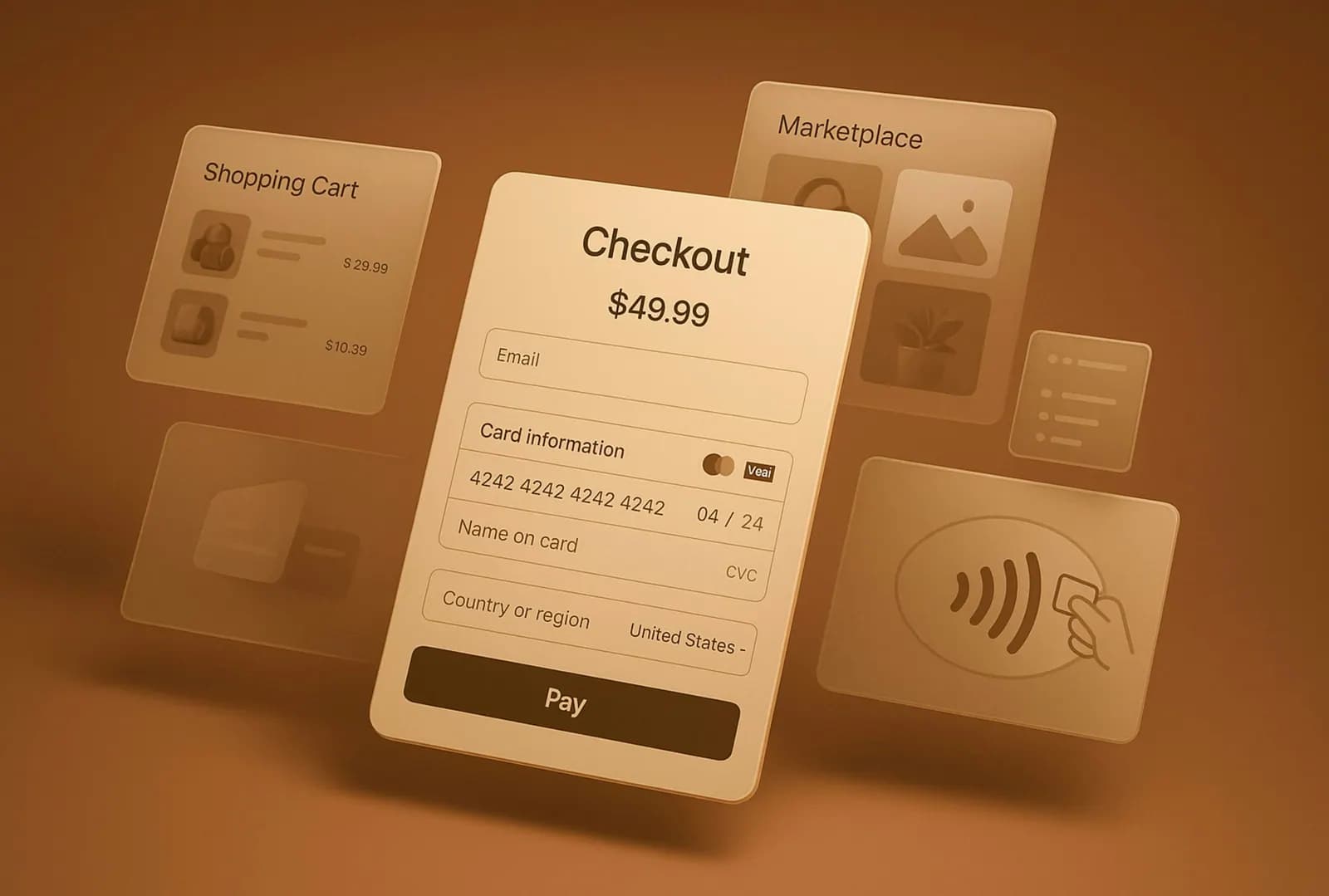
Record customer payments and match them to the invoices they settle.

Finance and business solutions
Payment and expense tracking gives you one place to record money received, bills paid and everyday costs. The Nexoviz team sets it up so your records are ready when your accountant or bookkeeper needs them.
It suits owners and finance staff who collect receipts in drawers and photos, record payments in several places, or cannot easily say what the business spent on a given month.
A project can include some or all of the following.
Record customer payments and match them to the invoices they settle.
Track supplier bills, due dates and what has been paid.
Staff record expenses and attach a photo of the receipt.
Sort spending into the categories your accountant uses.
Route expenses for approval and view totals by period, person or category.
Share what you have now, however informal.
Spreadsheets, notebooks, messages or software, and where they fall short.
The expense headings your accountant or bookkeeper already uses.
Who signs off spending and above what level.
Staff who submit expenses and staff who review them.
Good tracking saves effort at the end of the month. When every payment and expense is entered once, with a category and a receipt attached, whoever prepares your accounts has less to chase. We can set the categories and the export so they suit the person who prepares your books, and we are happy to talk to them about what they prefer.
Receipts deserve a habit of their own. Photographing a receipt when the cost is incurred is far easier than searching for it weeks later. We design the entry screen to make that habit simple, and agree with you how receipts are kept in the system.
Software for invoicing, sales, purchasing, payments, stock and reports.
Where the recorded payments and expenses end up.
Invoices that payments are matched against.
Tell us how you record payments and expenses today.
Information on this page is general and may change. Requirements are set by the relevant UAE authorities. Contact us for advice on your situation.
Nexoviz is an independent company and is not affiliated with, endorsed by, or acting on behalf of any government authority unless stated.