
Dashboards
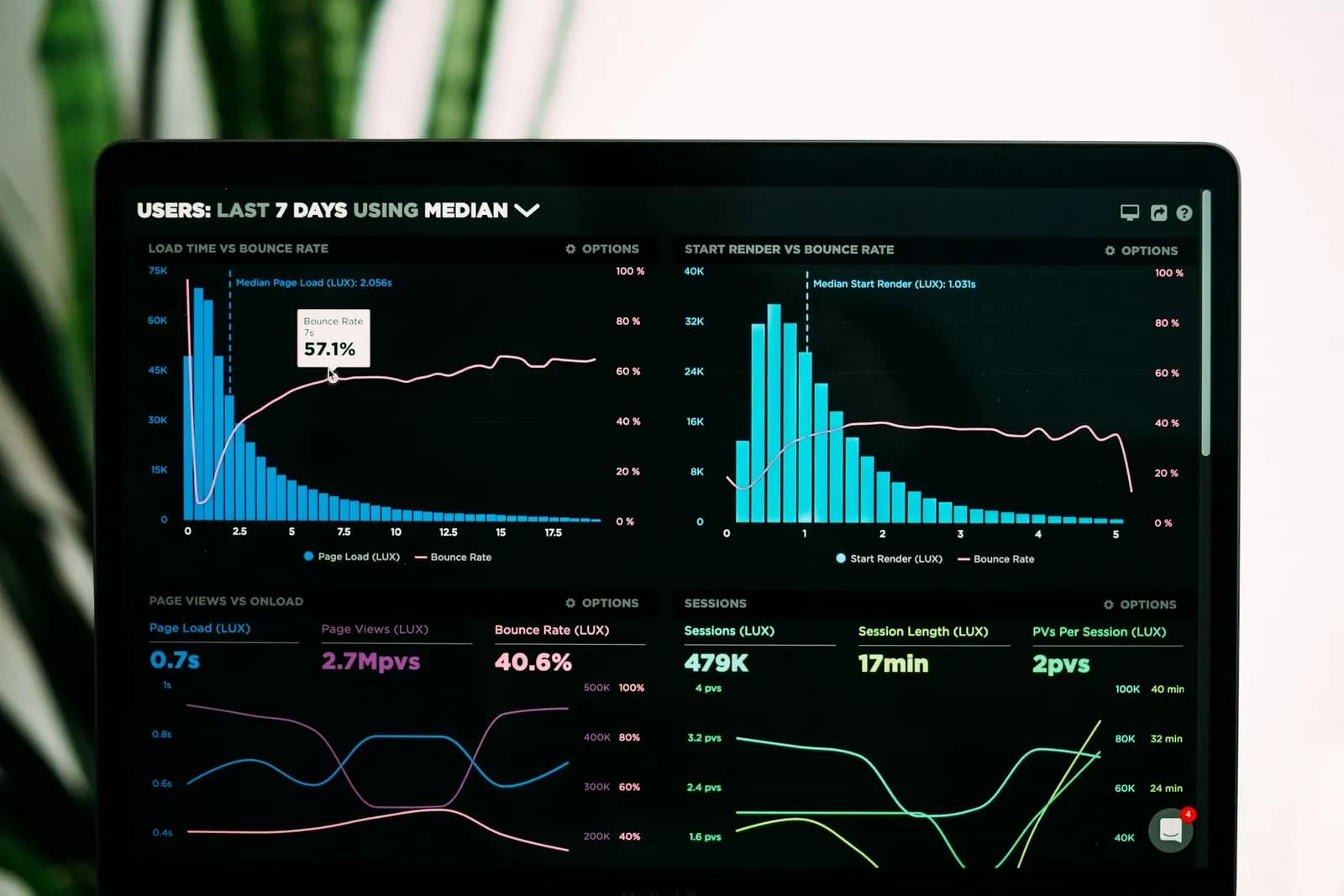
One screen showing the figures you check most, such as sales, costs and stock.
Finance and business solutions
Reports and dashboards turn the sales, cost and stock data you already keep into views you can read at a glance. The Nexoviz team scopes what you need to see, builds it and shows your team how to use it.
It suits owners and managers who ask for the same figures each month and wait for someone to compile them, or who hold data in several places and cannot see the whole picture.
A project can include the following.
One screen showing the figures you check most, such as sales, costs and stock.
Reports prepared on a regular schedule and sent to the people who need them.
Click from a total to the entries behind it.
Bring figures from different files or systems into one report.
Download tables for your accountant, partners or board.
Reports can only be as complete as the records behind them.
The decisions you want the figures to support.
The files or systems that hold your sales, costs and stock.
Any report you produce today, however rough.
Who will see each report and how often.
A dashboard shows what is in your records, not more. If entries are late, duplicated or missing, the totals will reflect that. We note data gaps during scoping, label each figure so readers know where it comes from and agree who keeps the underlying records up to date.
Start with a few reports that people will actually read. A short set that answers real questions is more useful than a crowded dashboard. Once those are working, further reports can be added in later stages.
Software for invoicing, sales, purchasing, payments, stock and reports.
Bringing data from different systems together.
Tell us what you would like to be able to see, and where the data is now.
Information on this page is general and may change. Requirements are set by the relevant UAE authorities. Contact us for advice on your situation.
Nexoviz is an independent company and is not affiliated with, endorsed by, or acting on behalf of any government authority unless stated.